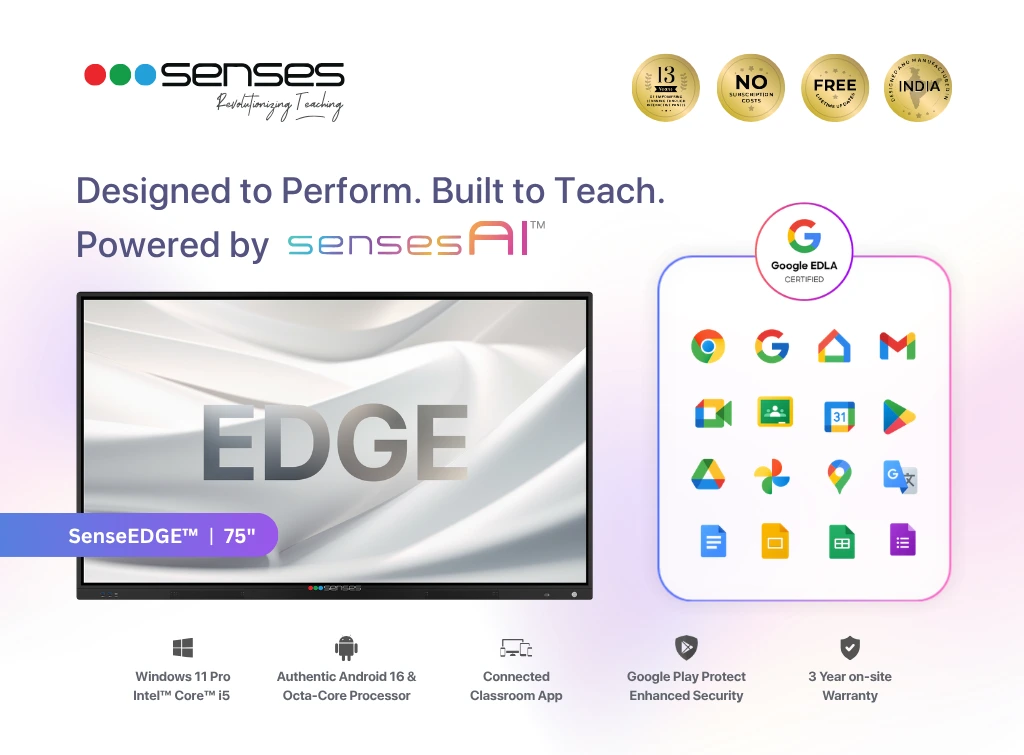


The SenseEDGE 75 Inch Interactive Flat Panel is an AI-powered smart board designed for larger classrooms, lecture halls, coaching institutes, and collaborative workspaces. Featuring a stunning 75-inch 4K Ultra HD display, Google EDLA certification, Android 16, and optional Windows 11 OPS, it delivers an immersive teaching and presentation experience with advanced touch technology, seamless connectivity, and intelligent classroom software.
The SenseEDGE 75 Inch Interactive Flat Panel is a Google EDLA-certified Android 16 interactive smart board with Windows 11 OPS support, designed for schools, colleges, coaching institutes, and universities. This digital board comes with a 4K UHD display, 40-point multi-touch technology, AI-powered teaching software, wireless collaboration tools, and an integrated digital classroom ecosystem within a single device.
The panel enables teachers and professionals to write, annotate, access Google Workspace applications, run educational apps, share screens wirelessly, and deliver interactive lessons without requiring separate projectors, speakers, or external computers. It is designed to support smart classrooms, hybrid learning environments, and collaborative meeting spaces.
| Specification | 75″ Interactive Flat Panel |
|---|---|
| Display Size | 75 Inch |
| Display Resolution | 4K Ultra HD (3840 × 2160) |
| Display Type | Commercial Grade DLED |
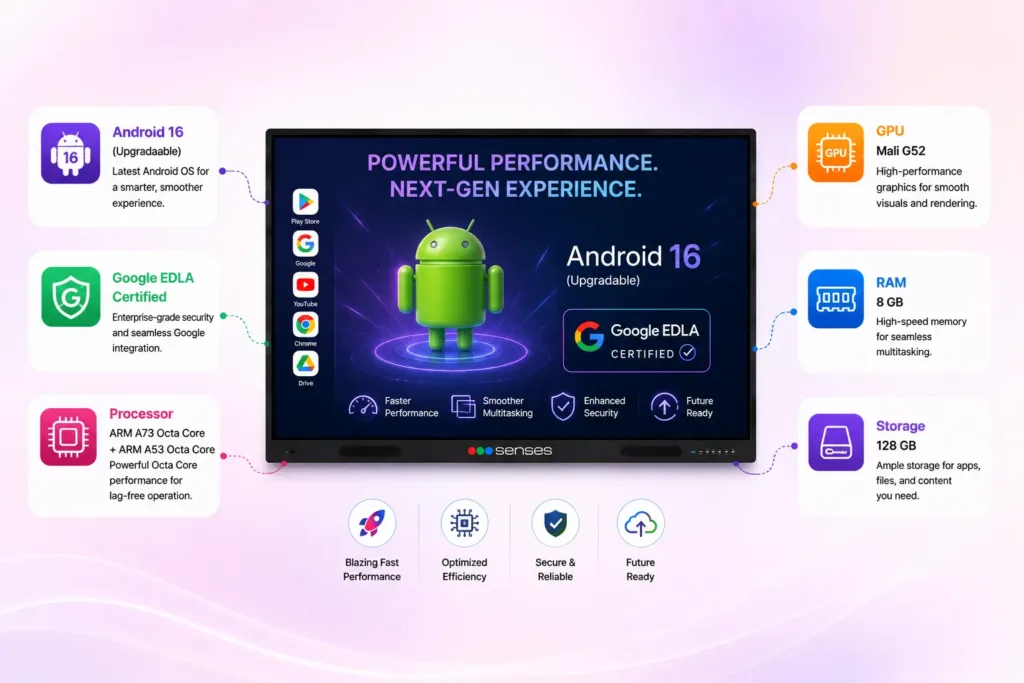
| Operating System | Android 16 + Optional Windows 11 OPS |
| RAM & Storage | 8GB RAM + 128GB Storage |
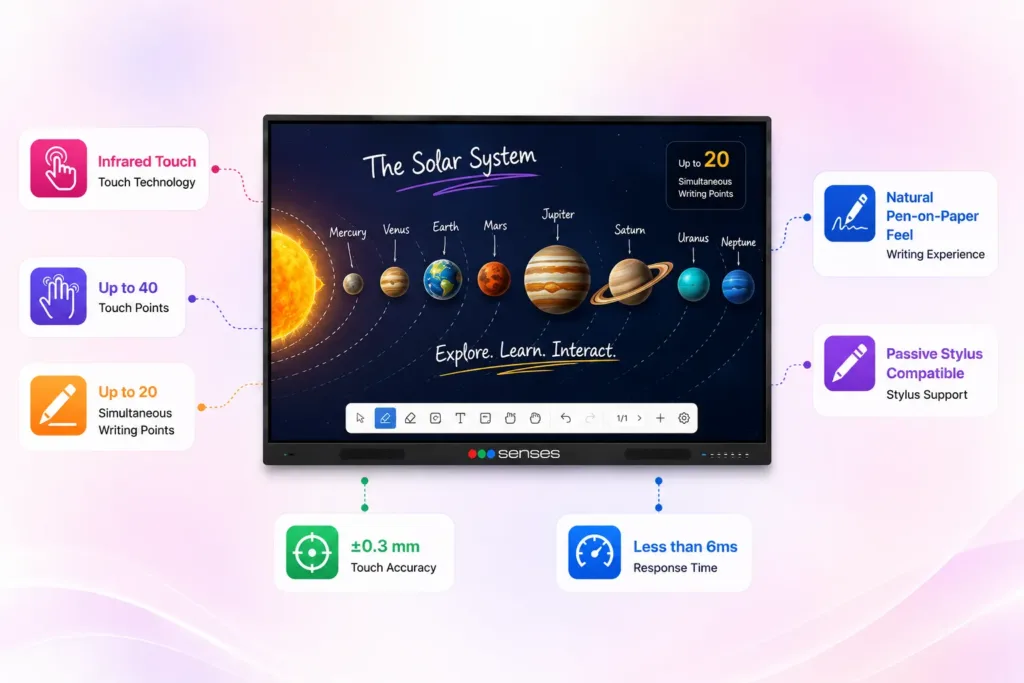
| Touch Technology | Infrared Multi-Touch |
| Touch Points | Up to 40 Touch Points |
| Writing Points | Up to 20 Simultaneous Writing Points |
| Audio System | 2 × 16W Speakers + 16W Subwoofer |
| Connectivity | Wi-Fi 6, Bluetooth, HDMI, USB, Type-C, LAN |
| Software Features | SenseAI, Whiteboard, Annotation, Screen Sharing, 3D Models |
| Certifications | Google EDLA Certified |
| Panel Life | 50,000+ Hours |
| Best For | Schools, Colleges, Coaching Institutes, Training Centres, Corporate Meeting Rooms |
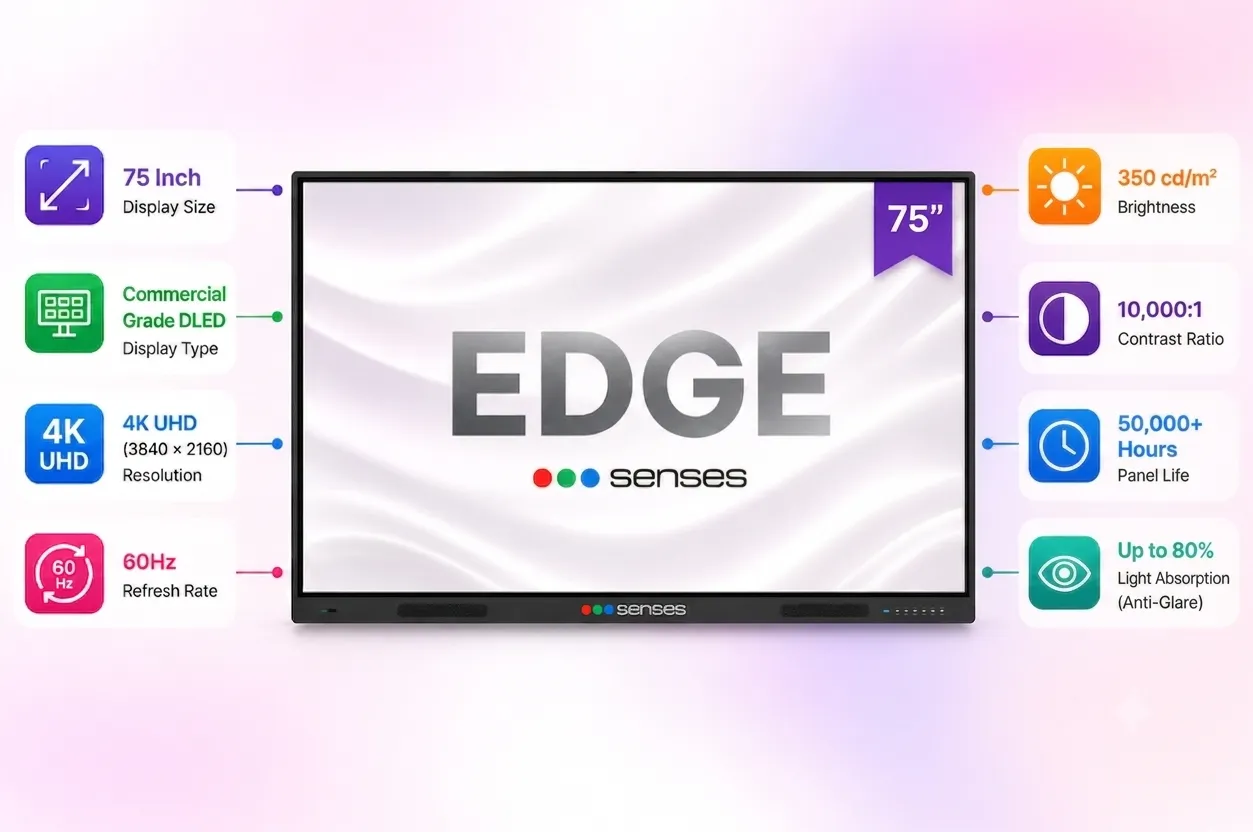
The SenseEDGE 75 features a commercial-grade 4K UHD DLED panel designed for daily classroom usage.
✔ 4K Ultra HD Resolution
✔ Anti-Glare Technology
✔ Wide Viewing Angle
✔ High Brightness for Well-Lit Classrooms
✔ Commercial Grade Display Panel
✔ 50,000+ Hours Operating Life
The anti-glare coating helps maintain visibility even in bright classrooms, reducing reflections and improving readability.
The SenseEDGE 75 Inch Interactive Flat Panel delivers a responsive multi-touch experience that allows teachers to write naturally using either a stylus or finger.
Teachers can effortlessly:
Combined with SensesAI handwriting recognition, handwritten notes and equations can be converted into clean digital content for better lesson organization.
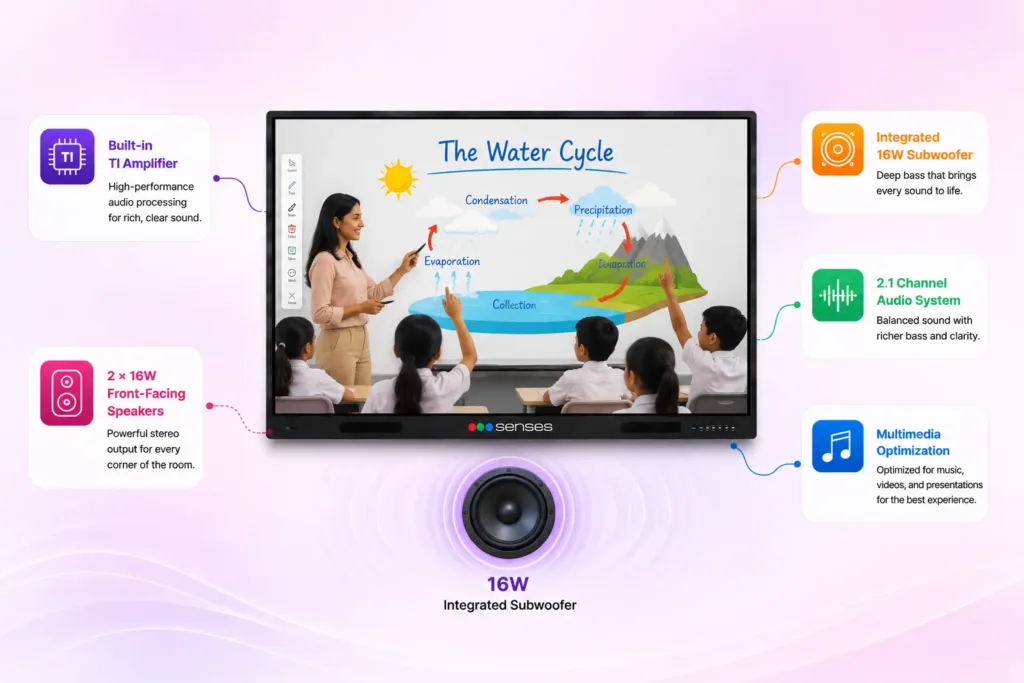
The integrated speaker system delivers clear and balanced audio, ensuring that videos, virtual classes, and multimedia lessons are easily heard across larger classrooms.
Ideal for:
The larger display combined with immersive audio creates a more engaging learning environment.
Running on Android 16, this Interactive Flat Panel offers faster performance, improved security, and smooth multitasking for daily classroom activities.
Teachers can instantly access:
With Google EDLA Certification, schools receive a secure and officially supported Android ecosystem.
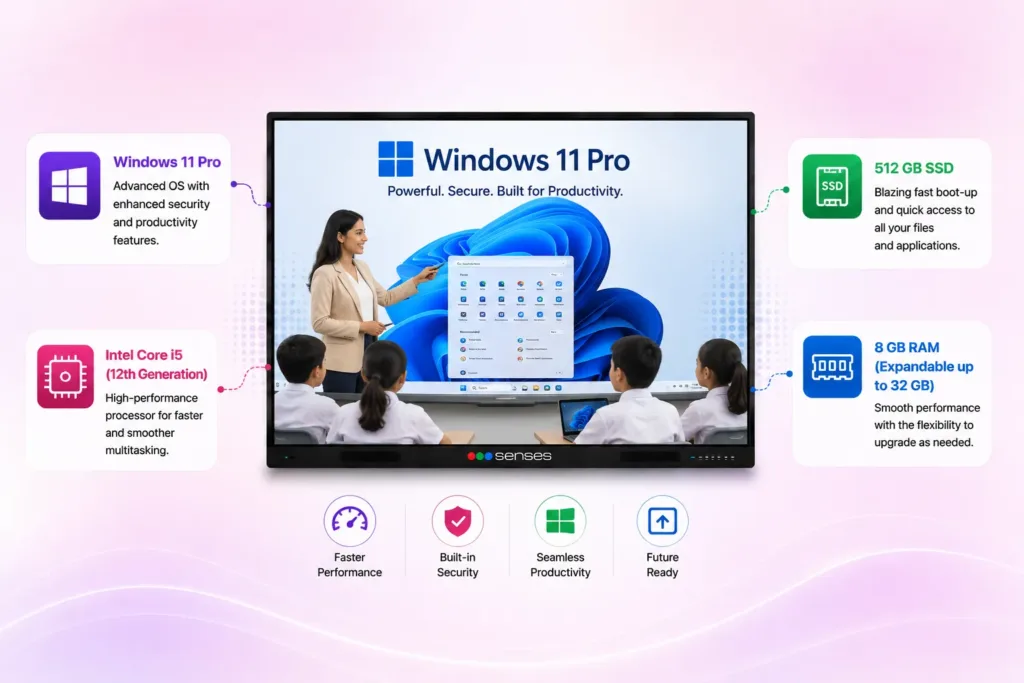
For institutions that require desktop software and Windows-based applications, the SenseEDGE 75 Inch Interactive Flat Panel supports Windows 11 OPS.
This enables users to work with:
The optional Intel-powered OPS transforms the interactive panel into a complete Windows workstation without requiring an external computer.
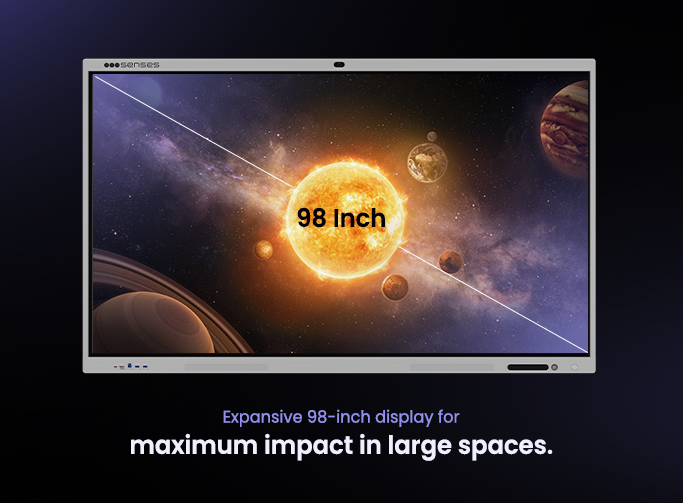
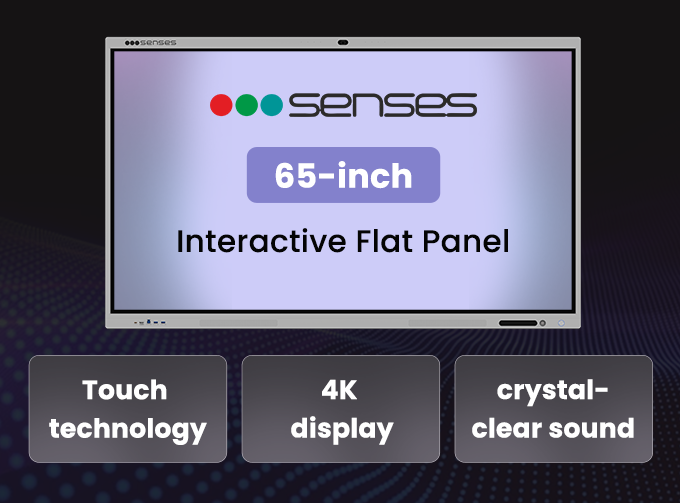
The 75-inch panel is perfect for small to medium-sized classrooms, providing ample screen space for clear visibility and interactive activities.
Yes, the 75-inch smart panel has a built-in wireless access point, allowing for easy and seamless connection with your laptop or other devices.
The 75-inch panel is designed with energy efficiency in mind, consuming less than 0.5W on standby mode.
The 4K resolution ensures exceptional clarity and detail, making images and videos more vibrant and engaging for students.
The dimensions of the 75-inch panel are 1722.5 x 1034.6 x 87.1 mm, and it weighs 113.5 kg.
The product includes a standard 3-year warranty with PAN-India service support.
Every purchase includes professional installation, product demonstration, administrator training, free teacher training with certification, and ongoing technical assistance across India.
Fill up the form and our experts will get in touch with you.

We use cookies for website functionality, analytics and performance. Accept or reject optional cookies, or manage your preferences.
Choose which optional cookies you allow. You can change your preferences at any time.
Essential cookies enable basic functions and are necessary for the proper function of the website.
Google Tag Manager simplifies the management of marketing tags on your website without code changes.
Statistics cookies collect information anonymously. This information helps us understand how visitors use our website.
Clarity is a web analytics service that tracks and reports website traffic.
Service URL: clarity.microsoft.com (opens in a new window)
Google Analytics is a powerful tool that tracks and analyzes website traffic for informed marketing decisions.
Service URL: policies.google.com (opens in a new window)
Google reCAPTCHA helps protect websites from spam and abuse by verifying user interactions through challenges.
Marketing cookies are used to follow visitors to websites. The intention is to show ads that are relevant and engaging to the individual user.
Facebook Pixel is a web analytics service that tracks and reports website traffic.
Service URL: www.facebook.com (opens in a new window)
OpenAI Ads Pixel tracks website conversions from ads shown in ChatGPT, helping advertisers measure and optimize their ad campaigns.
Service URL: openai.com (opens in a new window)
You can find more information in our Cookie Policy and Privacy Policy.